 Rufus
Rufus
Build a bootable USB drive in three clicks, not thirty.
Last updated: 2026-09-14
RufusHub is run by an independent, open-source-minded team that supports the Rufus project — publishing checksum-verified builds and documentation for Rufus, a free bootable-USB creation tool. or jump straight to the download ↓
About
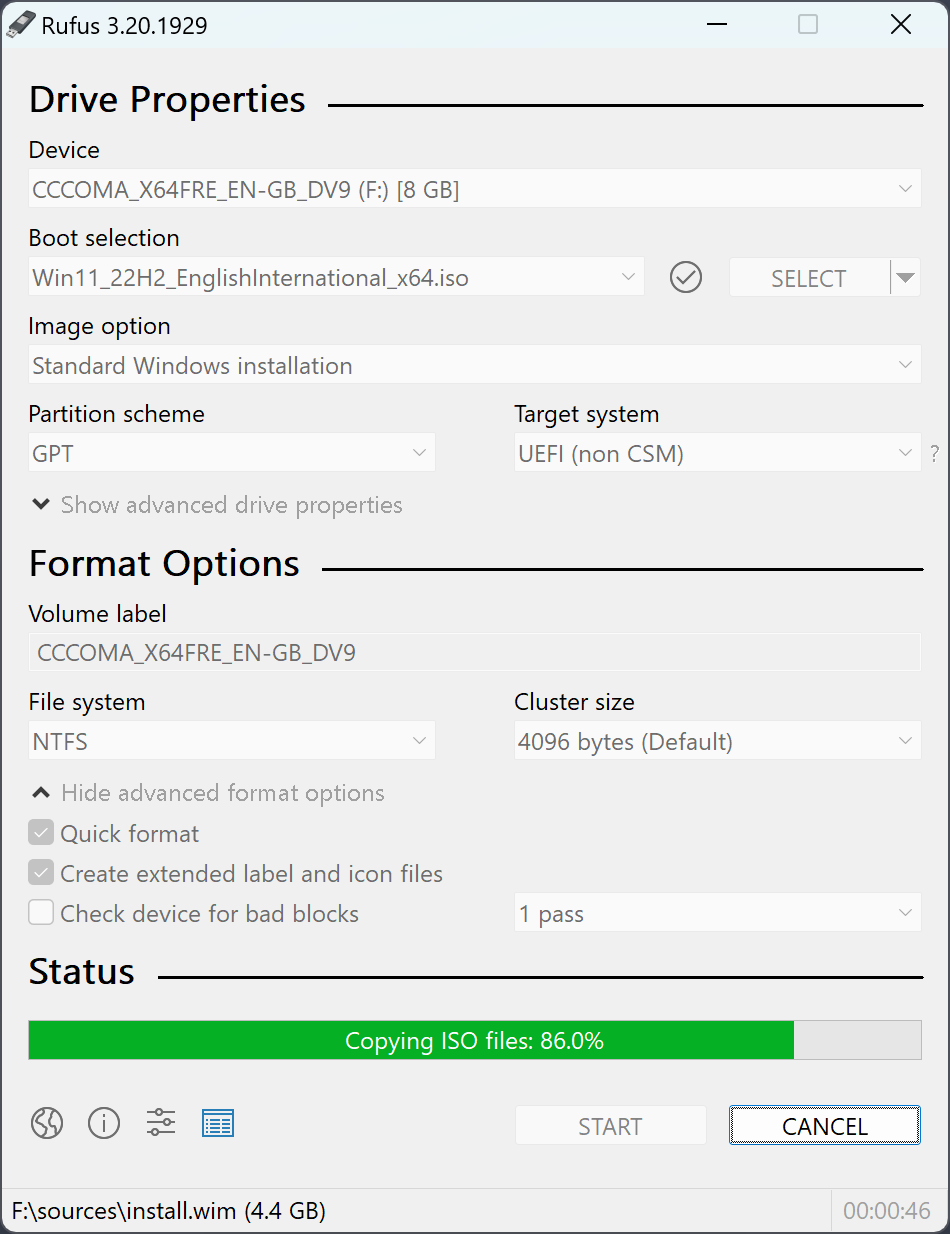
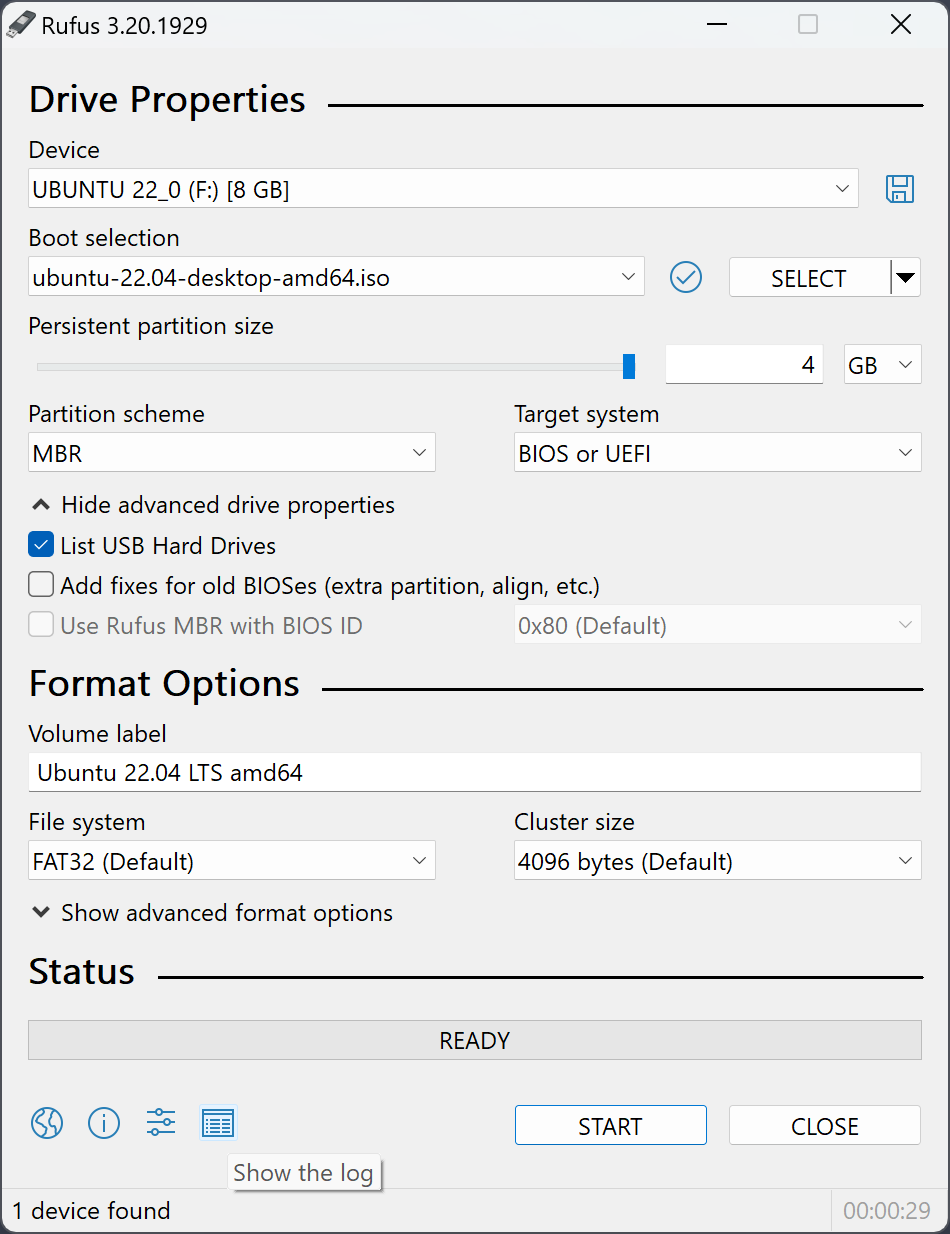
RufusHub is a small, free utility that prepares USB flash drives for booting operating systems, diagnostic tools, or recovery environments. It was built for the moments when you just need a drive to work — no wizards to click through, no accounts to create.
It tends to come in handy when:
- You need to install or run an OS from a USB drive
- You are working on a machine without an installed OS
- You need to flash a BIOS or firmware image from DOS
- You want to run a low-level diagnostic tool from boot
No install required
A single portable executable. Run it, use it, delete it — nothing left behind.
Checksum verified
Every write is verified against the source image, so a bad flash never goes unnoticed.
UEFI & legacy BIOS
GPT or MBR, UEFI or legacy boot — RufusHub sets the right partition scheme automatically.
Free & open
Released under the GPLv3 License. Use it, study it, redistribute it — the full source is public.
Who maintains RufusHub
RufusHub is built and maintained by a small, independent team focused on one thing: a fast, no-nonsense way to prepare bootable USB drives. There are no ads, no accounts, and no telemetry beyond basic, anonymized download counts — the tool is meant to earn its keep in time saved, not attention captured.
How releases are built and verified
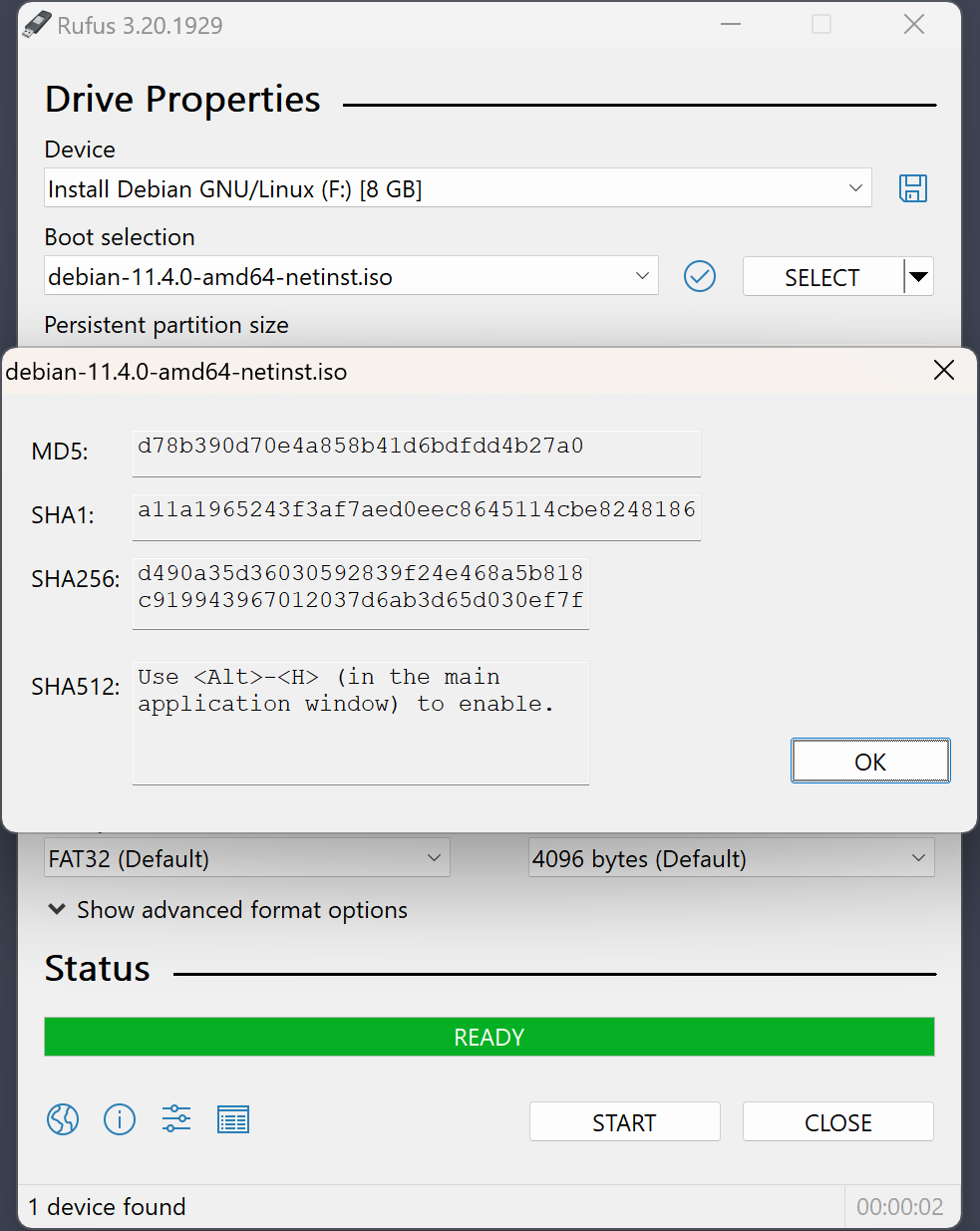
Every release starts from the published source code, compiled in a clean MinGW32 environment. Before a build is published, we generate its SHA-256 checksum and list it next to the download — the same hashes shown in the Download section above — so you can independently confirm the file you received matches what we built.
Tested before it ships
Before each release goes out, we run it against a bench of USB drives — SanDisk, Kingston, and Samsung sticks from 8 GB to 256 GB — writing both FAT32 and NTFS targets, then booting each one on real UEFI and legacy-BIOS hardware. The 4.14 release added post-write checksum verification specifically because our bench turned up a rare drive that reported a successful write while silently dropping a handful of sectors — the kind of failure that only shows up when you actually boot the thing, not just look at a progress bar.
Download
RufusHub 4.15 — choose the build that matches your system:
Standard (x86, 32-bit)
rufus-4.15_x86.exe · 1.84 MB
Standard (x64)
rufus-4.15.exe · 1.90 MB
ARM64
rufus-4.15_arm64.exe · 5.24 MB
Portable
rufus-4.15p.exe · 1.90 MB
Always verify the checksum of a downloaded file before running it.
Scan it yourself
Don't just take our word for it. Upload the executable to an independent scanner and check it against 70+ antivirus engines before you run it.
System Requirements
Windows 8 or later. Once downloaded, the application is ready to use.
Supported Languages
Bahasa Indonesia , Bahasa Malaysia , Български , Čeština , Dansk , Deutsch , Ελληνικά , English , Español , Français , Hrvatski , Italiano , Latviešu , Lietuvių , Magyar , Nederlands , Norsk , Polski , Português , Português do Brasil , Русский , Română , Slovensky , Slovenščina , Srpski , Suomi , Svenska , Tiếng Việt , Türkçe , Українська , 简体中文 , 正體中文 , 日本語 , 한국어 , ไทย , עברית , العربية , پارسی , کوردی , हिन्दी.
I will take this opportunity to express my gratitude to the translators who made it possible for RufusHub, as well as this webpage, to be translated in various languages. If you find that you can use RufusHub in your own language, you should really thank them!
Usage
Download the executable and run it — no installation required.
- Plug in the USB drive you want to use
- Select it from the device list
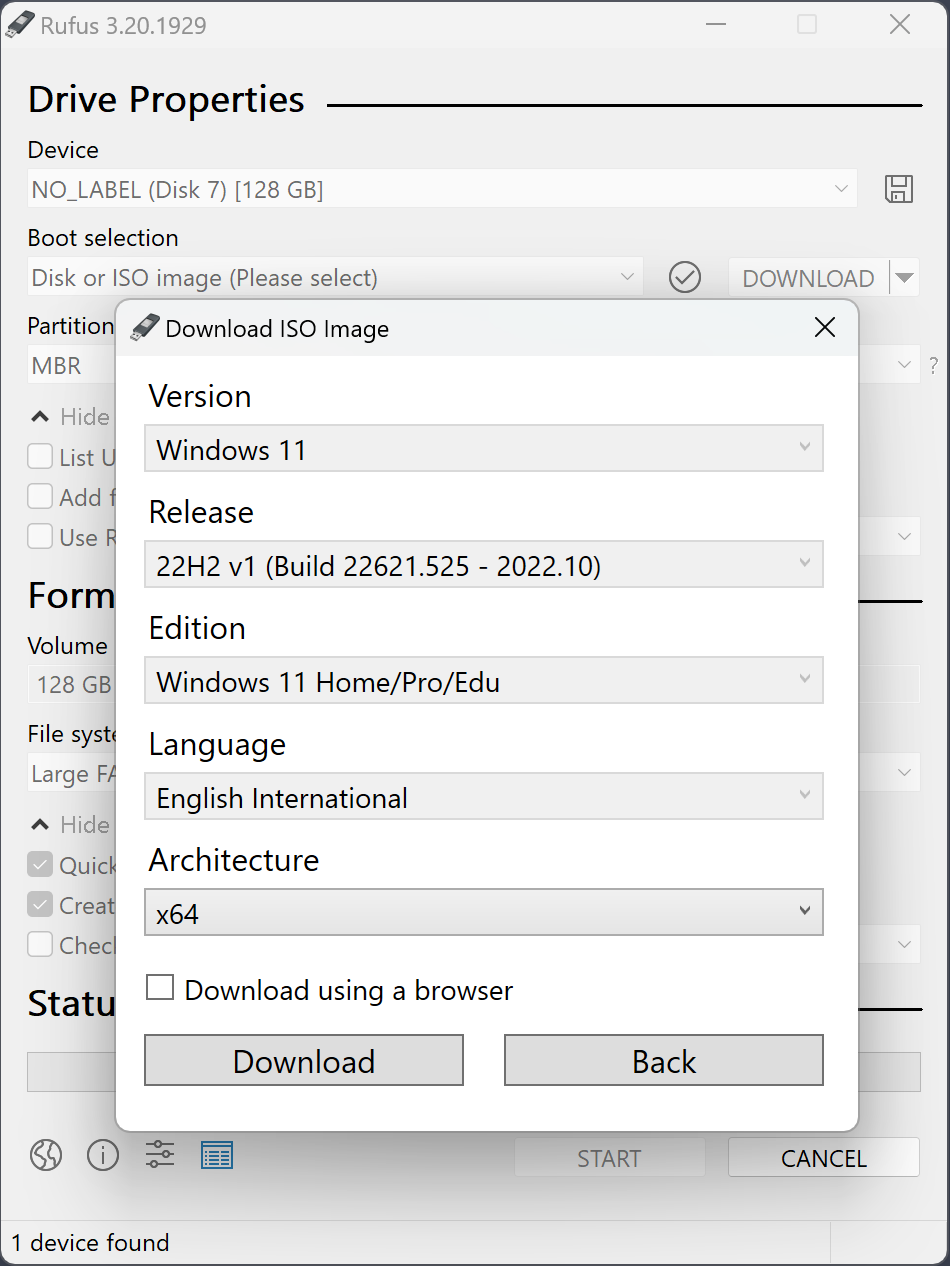
- Point RufusHub at an ISO image or select a template
- Press Start and wait for verification to complete
Download the executable and run it – no installation is necessary.
The executable is digitally signed and the signature should state:
- "Akeo Consulting" (v1.3.0 or later)
- "Pete Batard - Open Source Developer" (v1.2.0 or earlier)
Notes on DOS support
If you create a DOS bootable drive and use a non-US keyboard, RufusHub will attempt to select a keyboard layout according to the locale of your system.
Notes on ISO Support
All versions of RufusHub since v1.1.0 allow the creation of a bootable USB from an ISO image (.iso).
Creating an ISO image from a physical disc or from a set of files is very easy to do however, through the use of a CD burning application, such as the freely available InfraRecorder or CDBurnerXP.
Changelog
Last updated: 2026-09-14
Page last verified: 2026-09-14
- Add RISC-V 64 support to UEFI:NTFS.
- Improve the guards for using the "silent" Windows installation option.
- Improve the ability to cancel during write retries.
- Improve progress reporting for compressed image extraction.
- Fix unrestricted XML entity expansion and integer overflow in ezxml parser (courtesy of Eric Sadowski).
- Fix "silent" Windows installation failing at 75% in most cases.
- Fix a crash during boot when using UEFI:NTFS on Snapdragon X based ARM64 platforms.
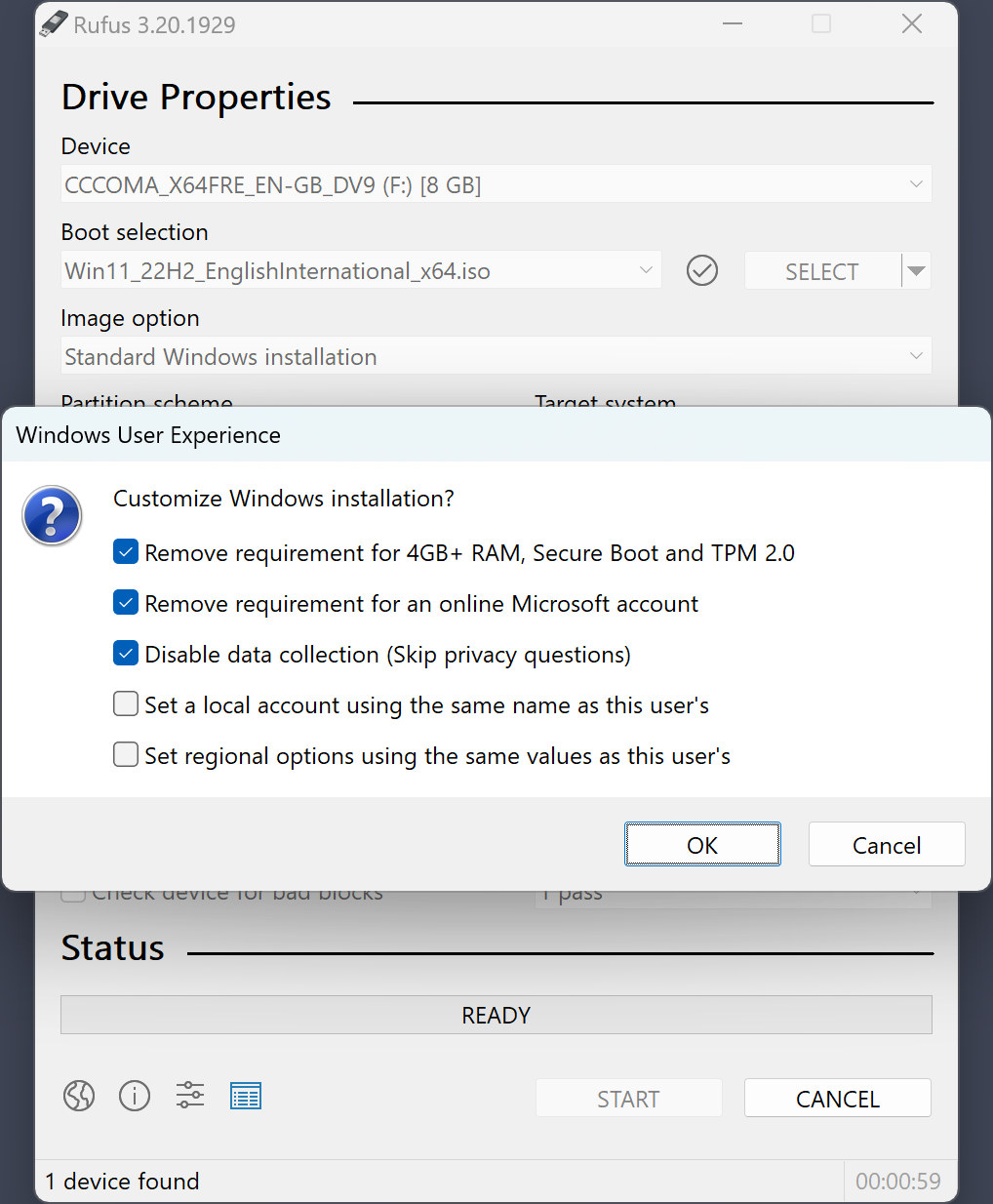
- Fix first WUE option always being checked by default.
- Fix an infinite loop when using Windows ISOs that contain multiple WIMs.
- Fix "Enable runtime UEFI media validation" checkbox not always being properly enabled.
- Other WUE improvements/fixes for OneDrive removal and username validation (with thanks to @christian8641).
Press & Reviews
Rufus is also listed and reviewed on independent software directories, if you'd like a second opinion before downloading.
Want a walkthrough first? See Ubuntu's official guide to using Rufus on Windows →